
How to create a professional clickable email signature
Don't use Apple Mail? I've got a step-by-step tutorial for creating a custom, clickable signature in Gmail.
If you've heard me talk about branding for any length of time, you know my consistent efforts
to educate my clients on consistent branding. Each time a customer thinks of you, they need to have a clear visual picture of who you are. When I recently decided to give my own company a rebrand. I freshen up my email signature a bit using some free online resources and a little apple mail formatting, so I'm sharing a step-by-step video tutorial to show you how I did it.
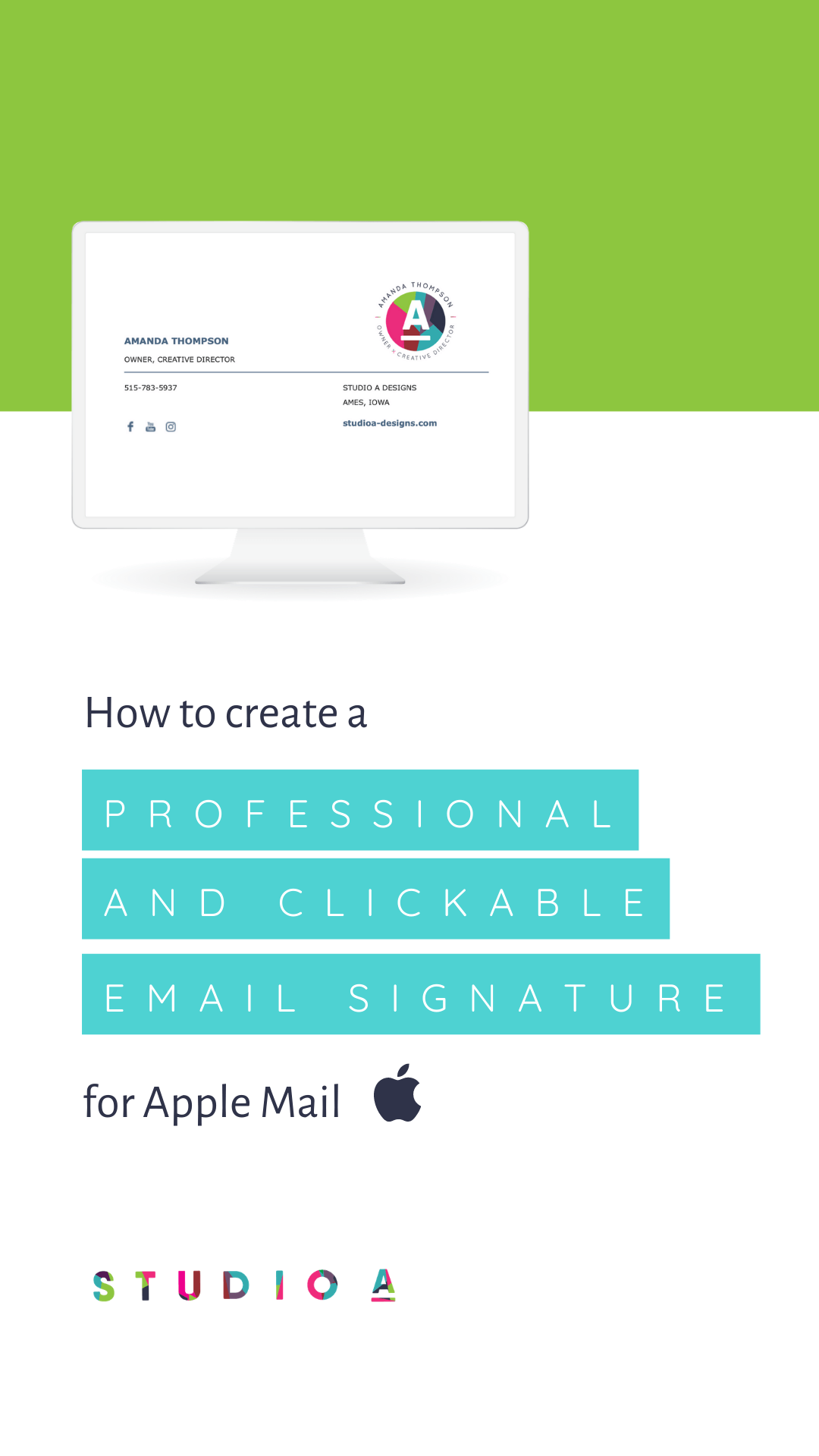

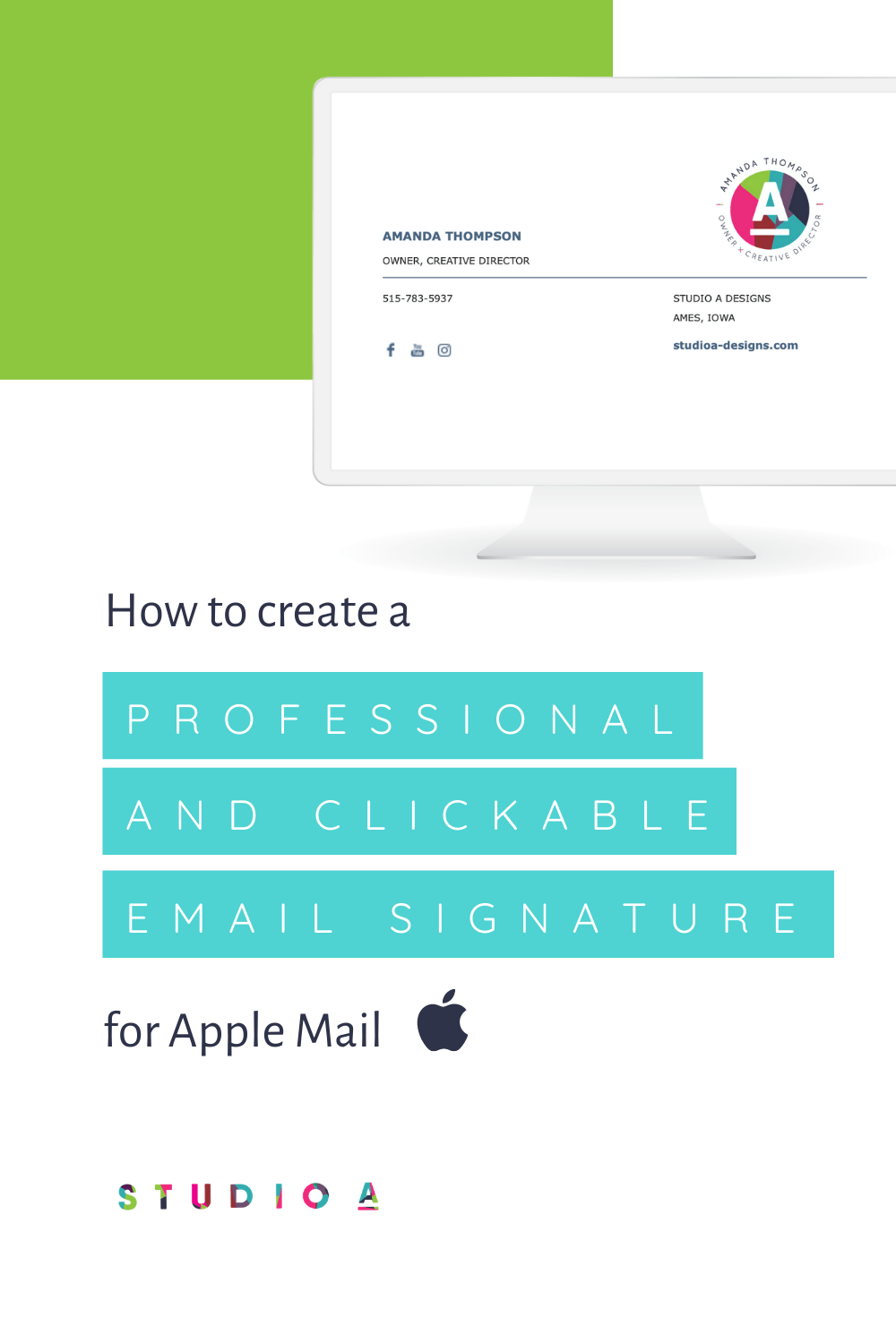
How to Make a Professional Clickable Email Signature in Apple Mail
Here are the three resources you'll need to create your email signature.
1. Your business logo (approximately 600x600px)
The best file formats are jpg or png. If you have photoshop you can add white space around your logo to make it appear smaller in your signature.
Mail-Signatures.com is an online email template generator. It's a great place to start for creating your email signature.
3. IMGBB
imgbb.com is an online image hosting site. You can upload your logo there and host it there so your image is not an attachment in your email.
Sit down for a few minutes with me, watch and follow along in the video below and get your email signature looking top notch! I promise you, the little things you do to make your brand stand out, the more likely you will be remembered (more on that in an upcoming blog post). Let's focus on this little step in bringing you more confidence in your brand.
I'm proud of you!


The A-List is your 60-second inbox scroll for local brand and website tips, savvy small biz resources and the take-aways you need to get through this crazy thing called entrepreneurship.
Join the email community!
Email Community Signup
BLOG TOPICS



BROWSE RECENT POSTS

Are you thinking about hiring a website designer for your small business but not sure where to start? Finding the right fit doesn’t have to be complicated.

Wondering if it's time to rebrand your small business? Here are 7 signs you've probably outgrown your brand and what to do next if you have.

Thinking about creating a logo for your small business? Before you do that, read this. Learn why brand strategy not just a logo is the key to growing your business.

See how Iowa’s Preferred Pest Management went from a dated logo to a bold, full-service brand strategy and website. A real case study from Studio A Designs, your small business Iowa SEO specialist.




Thinking about creating a logo for your small business? Before you do that, read this. Learn why brand strategy not just a logo is the key to growing your business.

The new Canva-Flodesk integration can streamline your email marketing to efficiently design beautiful emails, optimizing design elements, and syncing seamlessly between Canva and Flodesk for efficiency.

Here’s how local branding can give businesses the best kind of “edge” in your community.
I get to use creativity everyday to help entrepreneurs focus on their passions to discovering their brand's "sweet spot" in the marketplace...and I absolutely LOVE IT!
I'd love to connect with you to chat more about your business.